Trackajob
A job-application tracker that remembers every application, every resume version you sent, and helps you tailor your resume to each job post — without inventing anything.
How to use it, from start to finish
-
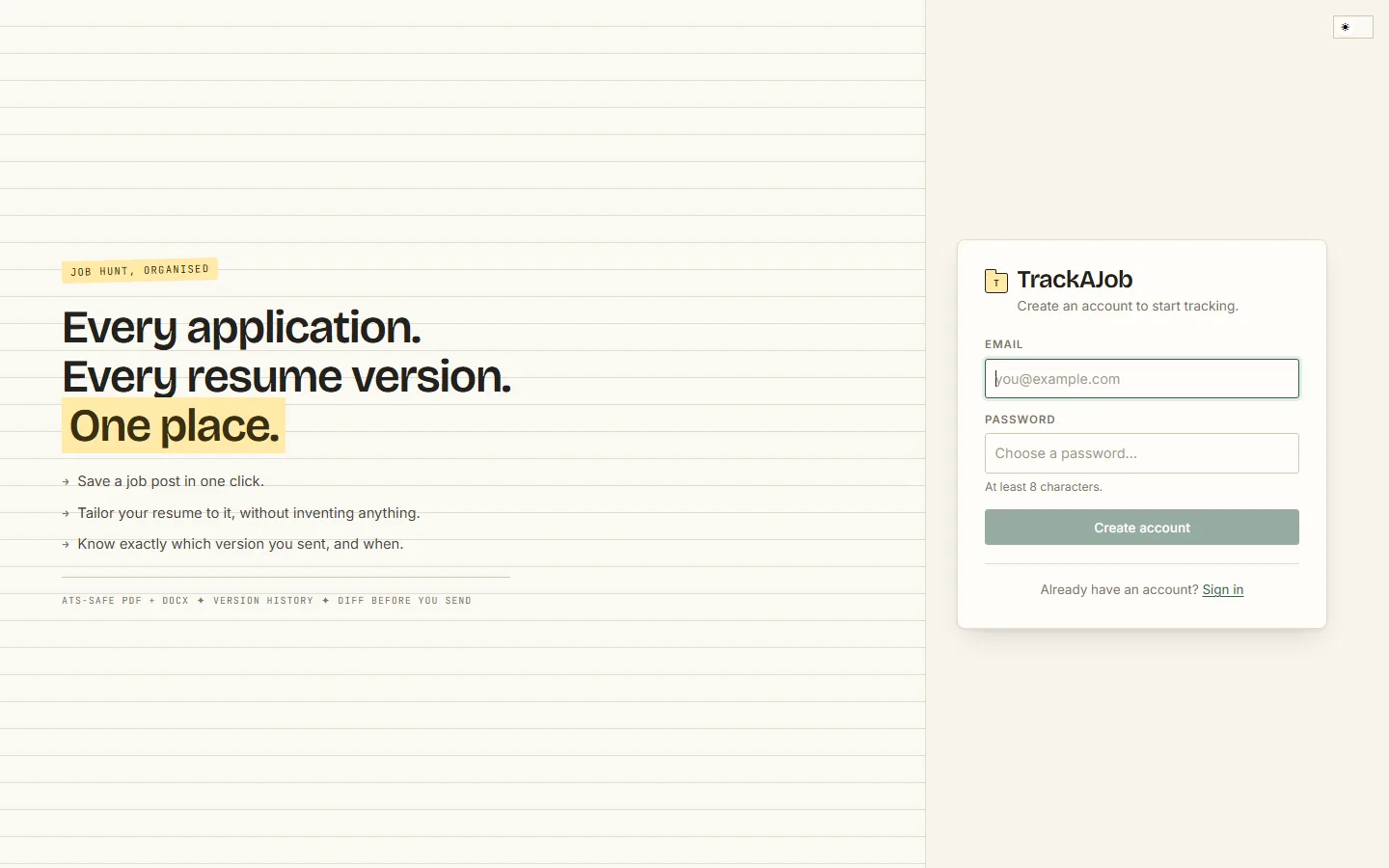
Create an account. Open trackajob.vercel.app, click "Create an account", and enter your email and a password (at least 8 characters). You are signed in immediately, and a verification link is emailed to you — click it to verify. On a new device or browser, sign-in is confirmed with a 6-digit code sent to your email, so a stolen password alone is not enough.
-
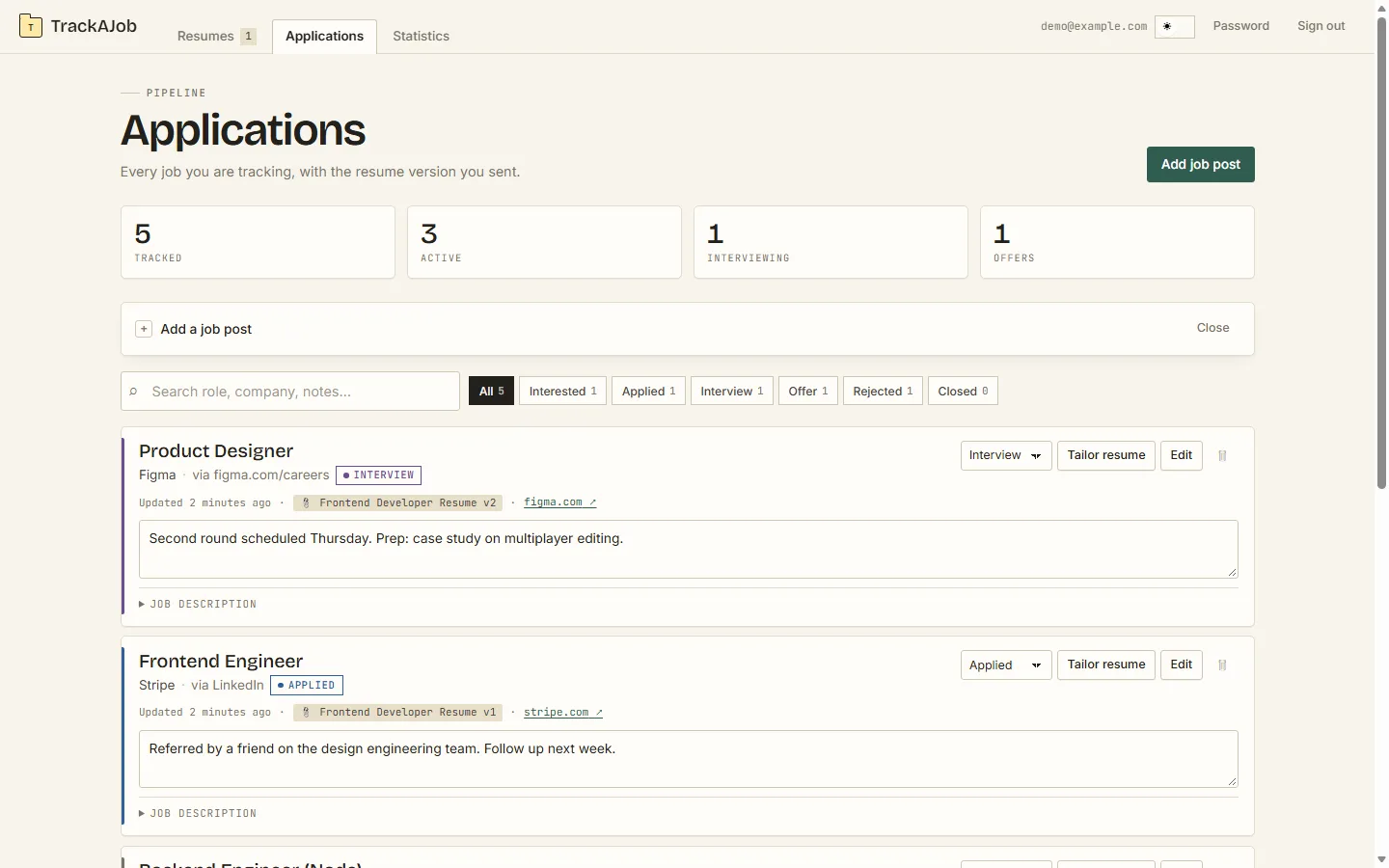
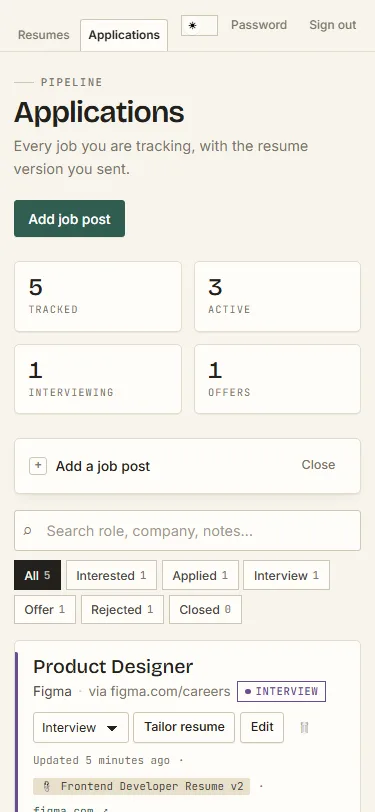
Save a job post. In the Applications tab, click "Add job post" and paste the job URL — the title, company, and description are scraped for you — or fill them in by hand. A bookmarklet does the same from any job board in one click. Each job gets a status: interested, applied, interview, offer, rejected, or closed, plus free-text notes for follow-ups.
It looks just as clean on a phone:
-
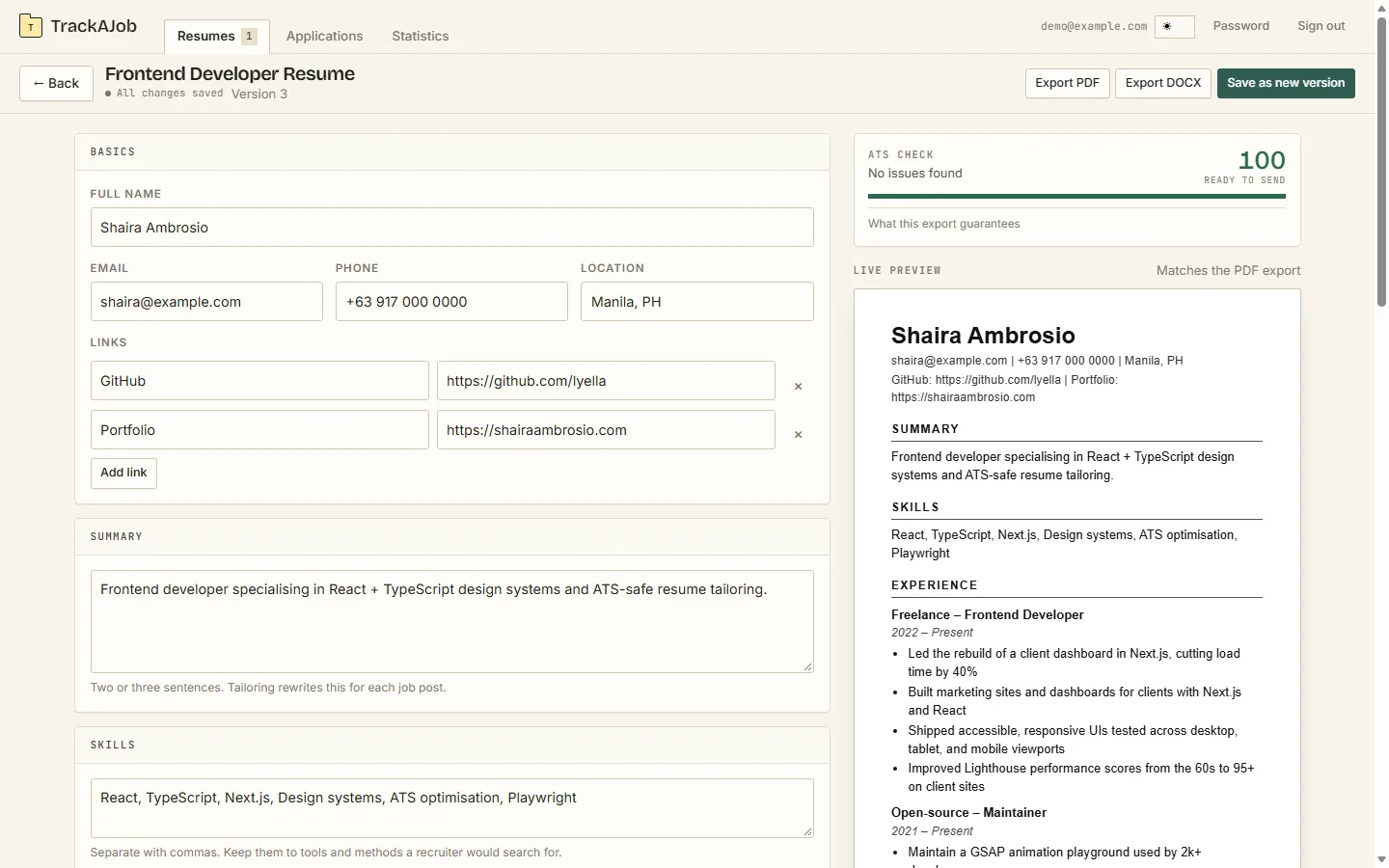
Build your base resume. In the Resumes tab, click "New resume" and fill in the editor: basics, links, summary, skills, experience, education, and projects. It autosaves as you type (the "Saved" indicator), shows a live preview that matches the PDF export, and runs an ATS check that scores the resume out of 100 and tells you what to fix before sending.
-
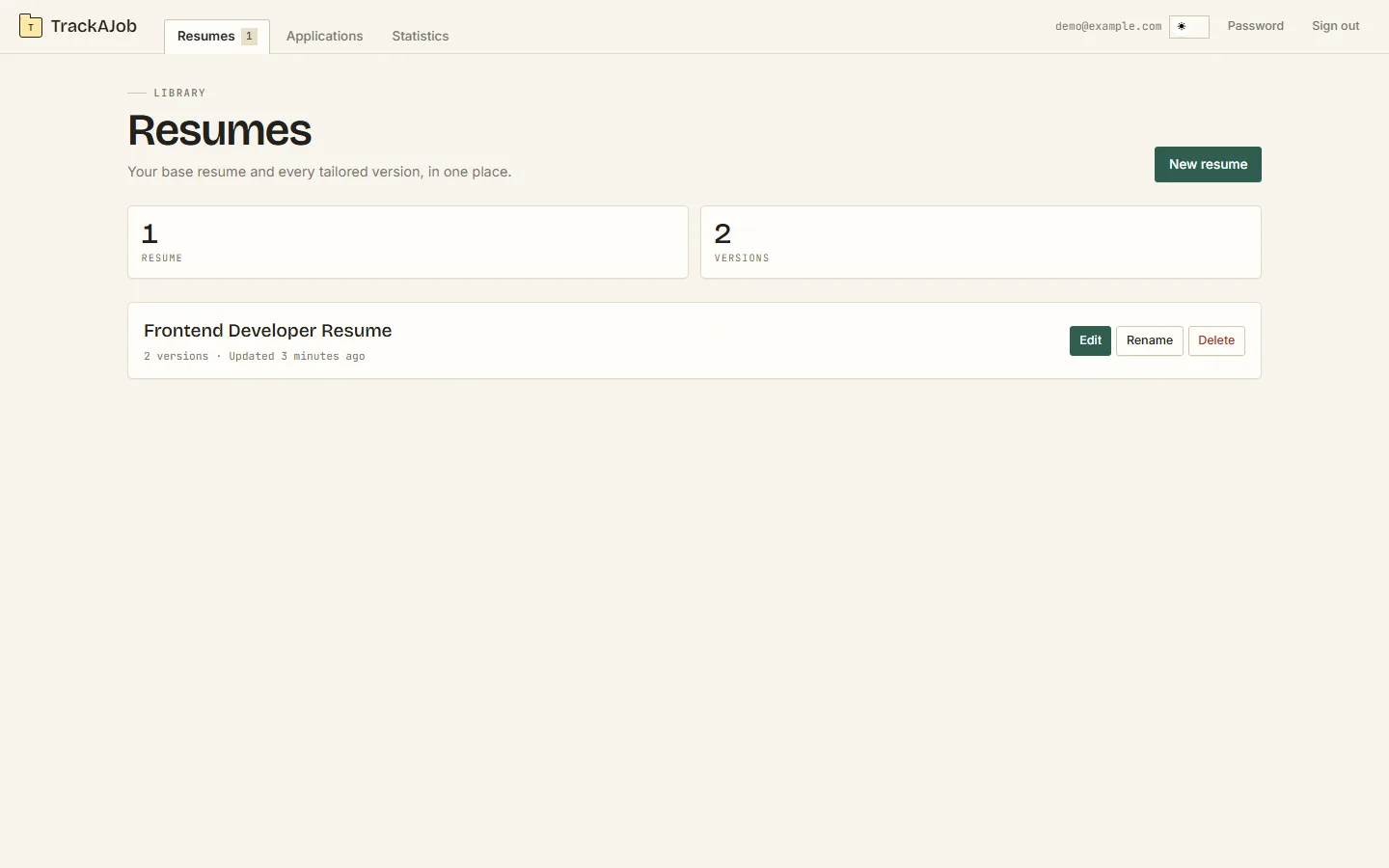
Tailor per job, then diff before you send. On any job card, click "Tailor resume" to rewrite your resume for that specific job ad. The tailoring rule is strict: the model may rearrange your words but never invent new facts — any line that does not come from your original resume is thrown out and you are told why. Every snapshot is kept as a new version, and the diff view lets you compare versions before sending. When you apply, attach the version you sent; the job card then shows exactly which version went where, e.g. "Frontend Developer Resume v2".
-
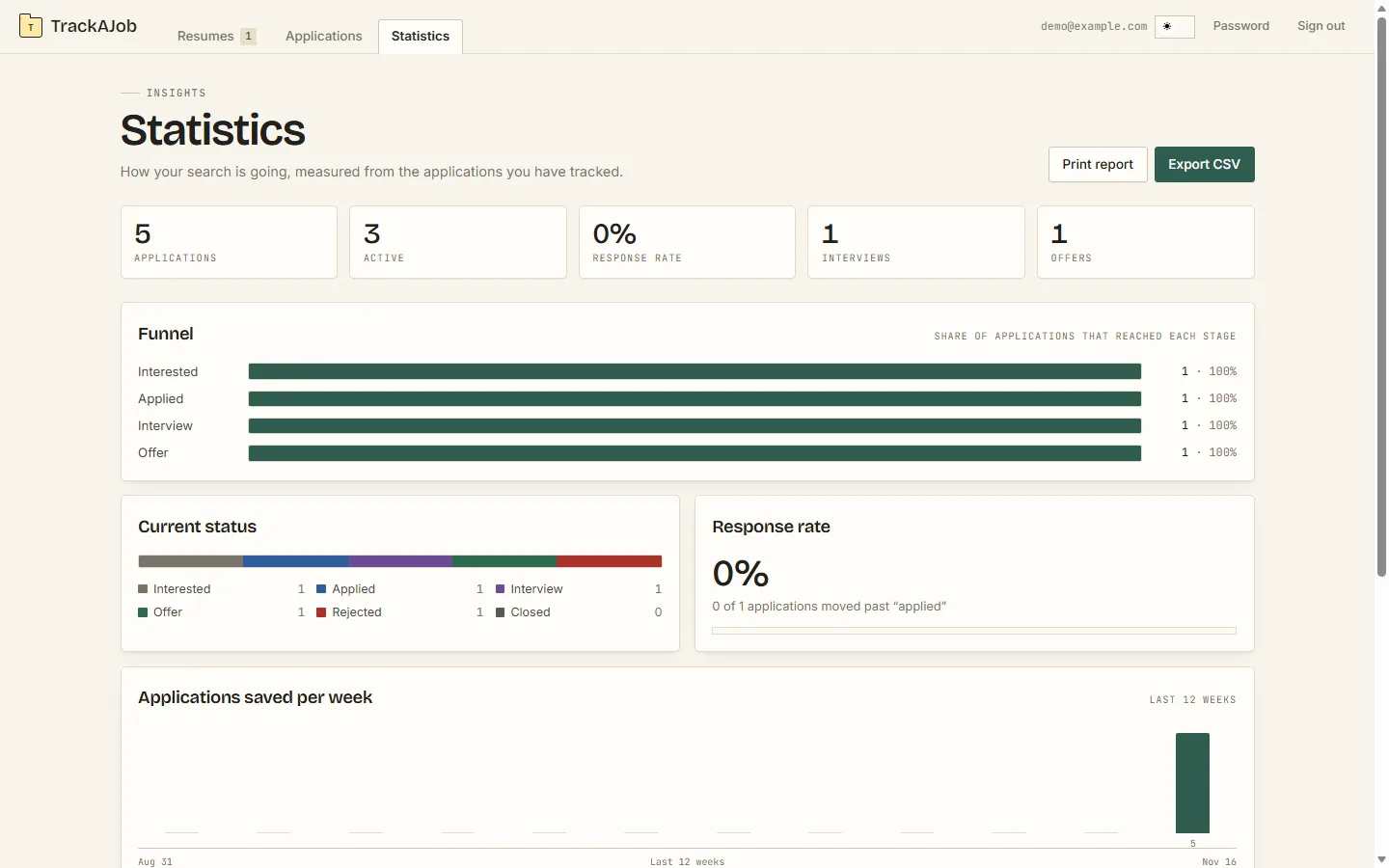
Export and track the results. Export any resume version as an ATS-safe PDF or DOCX. The Statistics tab shows your funnel (interested to offer), response rate, offers, applications per week, and lets you export a CSV or print a report.
Tech stack
- Frontend: React + TypeScript with Vite and plain CSS design tokens; light/dark themes via
prefers-color-scheme, motion disabled underprefers-reduced-motion. A tiny hash router (#/applications?status=interview) makes every screen a real, shareable URL. - Backend: FastAPI (Python) as a single Vercel function, with SQLAlchemy and Postgres (Neon) in production or SQLite locally. Session-cookie auth, rate limiting, Cloudflare Turnstile captcha on signup/login, and per-user data isolation on every query.
- Exports & scraping: fpdf2 / python-docx for ATS-safe PDF and DOCX, BeautifulSoup for job-post scraping (JSON-LD, Open Graph).
- Deployed on Vercel — one project, one domain, no CORS: the FastAPI function serves the built frontend and the
/api/routes.
Problems
Job hunting means juggling dozens of applications across boards, emails, and spreadsheets — and the classic failure is hearing "we loved the version you sent" and not remembering which version that was. Most trackers also let you paste anything into your resume, which is how AI-generated lies end up in interviews. TrackAJob solves both: every application is one card with a status pipeline, and every resume is versioned with a diff, so you always know what you sent, when, and to whom.
Lessons learned
Small tools beat big processes: a focused single-purpose app with a strict status pipeline ended up more useful than a generic spreadsheet. Building the tailoring feature taught us that "trust but verify" applies to AI — the model rewrites, but a checker that rejects any line not grounded in your original resume is what makes the output safe to send. And shipping frontend and backend from one Vercel project (hash routes, one domain) removed an entire class of CORS and auth-cookie bugs.